

Network Cabling
Business Wi-Fi Installation & Access Point Cabling in Birmingham, AL
Vulcan Telecom installs business Wi-Fi in the Birmingham area and across Alabama – we plan where the access points go, run a Cat6 or Cat6A drop to each one, mount them and set up the network, including a separate guest Wi-Fi.
Why business Wi-Fi struggles
Most Wi-Fi complaints we hear come down to the same few causes: one consumer router trying to cover a whole office, too few access points for the number of phones and laptops, mesh units passing the signal from box to box instead of having a cable, or access points hidden in a closet behind walls and racking. Buying a stronger router rarely fixes it. Coverage comes from enough access points in the right places, each with its own cable.
How we install business Wi-Fi
- Walk-through and plan – we look at the layout, ceilings, walls, racking and how each area is used, count the devices and decide where every access point goes.
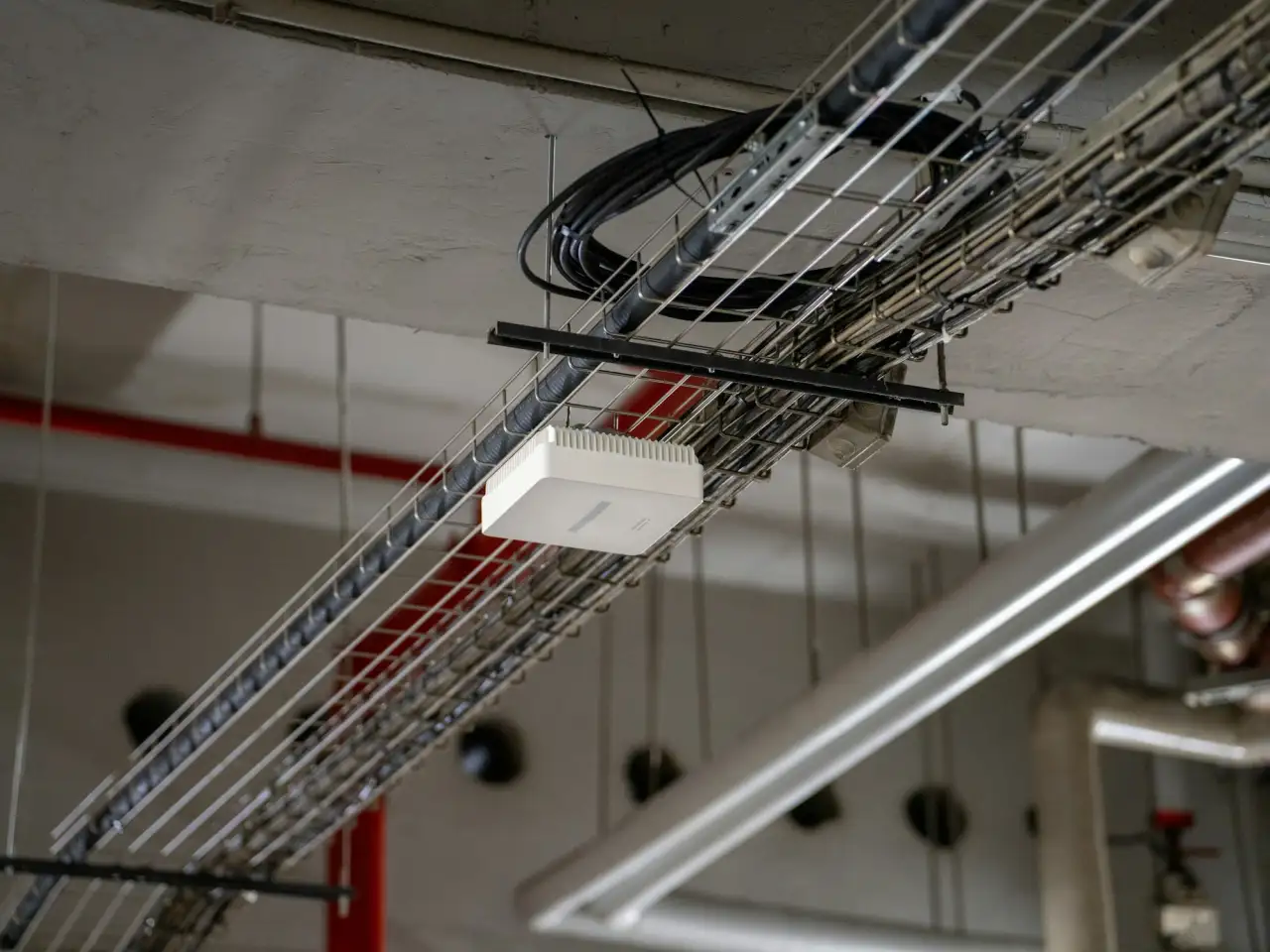
- A cable to every access point – a dedicated Cat6 or Cat6A drop from the network closet, which also powers the access point through PoE. Long runs in big buildings use fiber to a closer cabinet.
- Mounting – ceiling, wall or high-bay mounting, neat and labeled.
- Setup – one network name across the building so devices move between access points without dropping, a guest Wi-Fi kept apart from your business systems, and secure settings.
- Check and hand over – we walk the space with a device to confirm coverage and leave you the access point locations and settings.
Warehouses and large spaces
Warehouses are where Wi-Fi gets hard: tall metal racking, high ceilings, freezers, long distances back to the closet, and scanners or forklift terminals that have to stay connected while they move. We plan coverage along the aisles where people actually work and mount access points at the right height. Frank Ciavarro of G&B Distribution hired us for their new distribution warehouse in Birmingham: “They did a great job installing our racks, fiber and copper cables for the wireless access points.”
Fixing the Wi-Fi you already have
You don't always need to replace everything. Often adding two or three access points, moving the ones you have out of closets, or replacing a mesh unit with a cabled access point fixes the dead zones. We look at what you have first and tell you plainly what is worth keeping.
Wi-Fi 6, 6E and 7
Newer Wi-Fi standards help most in crowded spaces – many devices in one room – and only with devices that support them. For many small offices a well-planned Wi-Fi 6 network is plenty. We'll tell you whether the newer standard is worth the price for your building.
Because Vulcan also installs the network cabling and the phone system, the Wi-Fi is part of a network we built and documented – not a box added at the end.
Business Wi-Fi
What business Wi-Fi installation includes
Coverage plan
Access point locations planned around walls, ceilings, racking and how each area is used.
A cable to every access point
A dedicated Cat6 / Cat6A drop to each access point, powered by PoE.
Mounting
Ceiling, wall and high-bay mounting in offices and warehouses.
Guest Wi-Fi
A separate network for visitors, kept apart from your business systems.
Dead zone fixes
Finding weak spots and fixing them with better placement or added access points.
Expansion
Adding coverage when you grow into new space or a new building.
Where we install business Wi-Fi
From a few added drops to complete buildings – if it needs to be connected, talk to us.
- Offices with dead zones
- Warehouses and distribution centers
- Manufacturing floors
- Medical and dental offices
- Schools and churches
- Retail stores and restaurants
Interactive · Wi-Fi coverage planner
Where you put the access points matters
Dead zones usually aren’t a “slow internet” problem – they’re a placement and cabling problem. Drag the access points around this sample office and watch the coverage change.
Simplified illustration – a real project starts with an on-site survey.
How it works
From the first call to a documented network
- 01
Walk-through
Layout, ceilings, walls and racking, and how many devices connect in each area.
- 02
Access point plan
Where every access point goes, the cabling to it and a written quote.
- 03
Cabling & mounting
A tested Cat6 drop to each access point, mounted neatly and labeled.
- 04
Setup
One network name across the building, guest Wi-Fi kept apart, secure settings.
- 05
Coverage check
We walk the space with a device and hand over the locations and settings.
“We hired Vulcan Telecom to help get our network cabling setup at our new distribution warehouse in Birmingham, Al. They did a great job installing our racks, fiber and copper cables for the wireless access points. They worked really fast and hard to get the job done on time.”
“My company has worked with Vulcan Telecom for years. Keith and Joseph and everyone at Vulcan have always been prompt to respond to all of our questions and crazy situations.”
“I’ve used Vulcan Telecom for a large medical office telecom project. Large or small they are down to earth and easy to talk to. Keep everything in real terms. I’ve moved 300 miles away but Ive still consulted with Vulcan about issues I couldn’t get resolved by local vendors. Great service”
“Stared using Vulcan telecommunication. I was tired of the big box names making false promises. Vulcan has been so easy to deal with always love Working with a business that enjoys working with other businesses. I would highly recommend contacting them for all your telecommunication needs.”
“Superb customer service! Keith returns phone calls promptly and answered all of my questions about converting to the new system. I was very pleased with the pricing and the ease of transition!”
“From the moment I reached out, their customer service was top-notch—friendly, knowledgeable, and genuinely helpful. The service exceeded my expectations and is highly recommendable. If anyone is looking for quality, reliability, and great customer care, they truly go above and beyond!”
FAQ
Business Wi-Fi questions
How many access points do we need?
It depends on the size and layout of the space, the walls and racking, and how many devices connect at once – crowded rooms need more access points than the floor area alone suggests. We plan the number during the walk-through.
Why is our Wi-Fi slow in some areas?
Usually there are too few access points, they sit in the wrong place, or walls and racking block them. Proper placement with a cable to each access point fixes most dead zones.
Mesh or wired access points?
For a business, wired access points. Mesh units pass the signal from box to box and lose speed with every hop; a cabled access point gets the full connection and is powered by the same cable.
Can you set up a separate guest network?
Yes. Guests get their own Wi-Fi with internet access only, kept apart from your computers, phones and payment systems.
Can you fix our existing Wi-Fi without replacing everything?
Often yes. Adding or moving a few access points and cabling the ones that run on mesh usually fixes the problem. We look at what you have first.
Can you cover a warehouse with high racking or an outdoor yard?
Yes. We plan coverage along the aisles and work areas, mount access points at the right height and use fiber where copper runs would be too long.
What does business Wi-Fi installation cost?
It depends on the number of access points, the cabling distances and the mounting height. After the walk-through you get a written quote with the access point count and locations.
Keep exploring
Related services
Free quote
Planning a project? Let’s talk it through.
Tell us briefly what you need – new cabling, a phone system or IT help. We’ll get back to you, or just call – a real person answers.
- Call us(205) 699-8090

Partner Poly
Certified Microsoft
365 Ubiquiti
Networks
Request a free quote
We reply on business days. Fields marked * are required.